Anyone can cook. That doesn’t make us chefs.
Ai makes it easier to create. Taste, judgment and care still take practice. Why design matters more than ever.
Coming soon
We've been exploring ways to bring our site to life through the details. With a simple visual style, craft has room to show. For Ethic, we brought light and dark mode into the images themselves, working between design and code.
A simple site puts a lot of weight on small decisions. The way an image sits on the page, the pace of a transition, the light inside a scene: each changes how the work feels. Building our own site gives us room to explore those details through design and code.
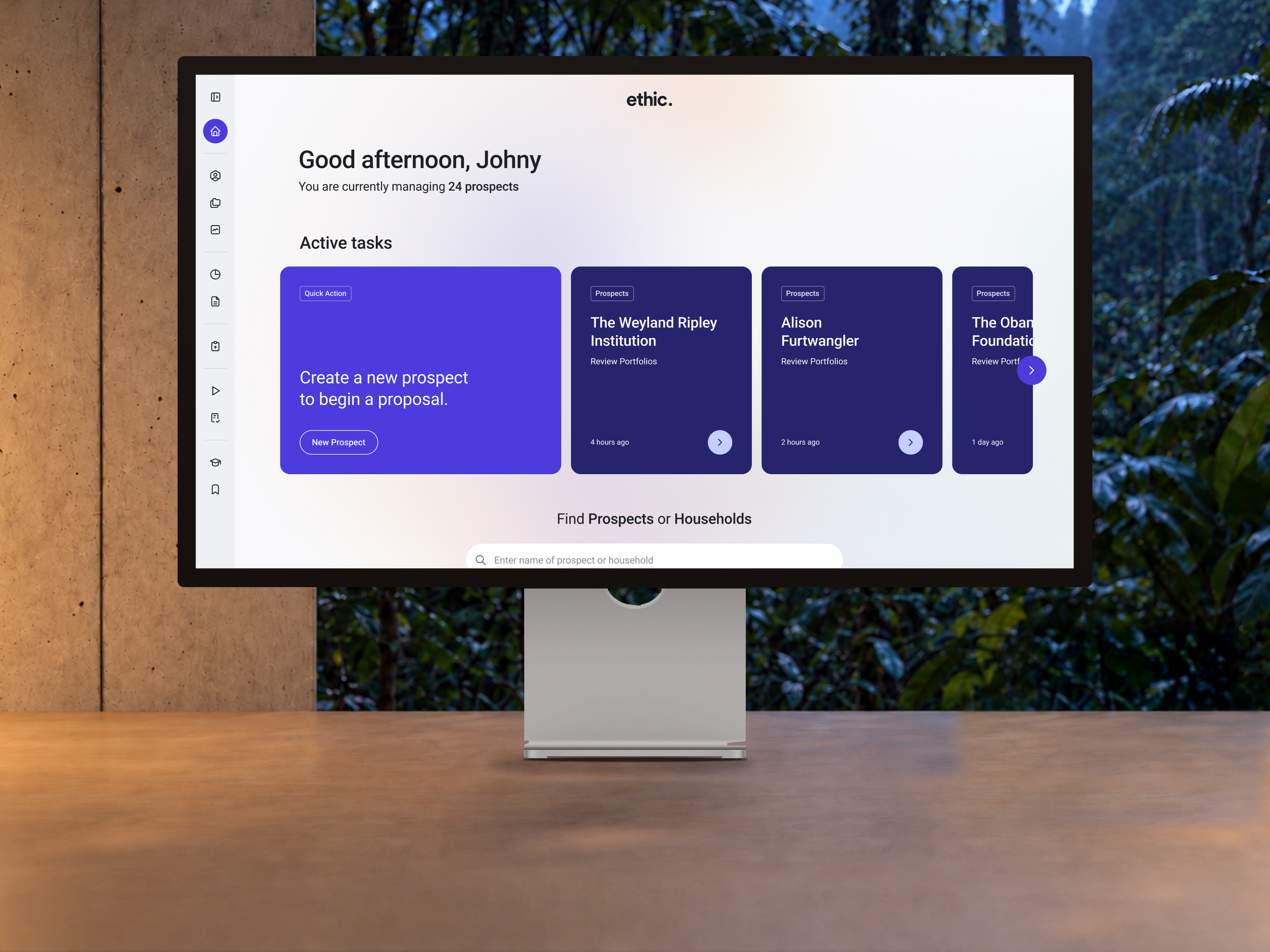
You return to the same desk a few hours later. The trees outside have fallen into shadow. The light on the desk is warmer, and the screen feels brighter against the room. We wanted that sense of passing time inside a simple light and dark switch.
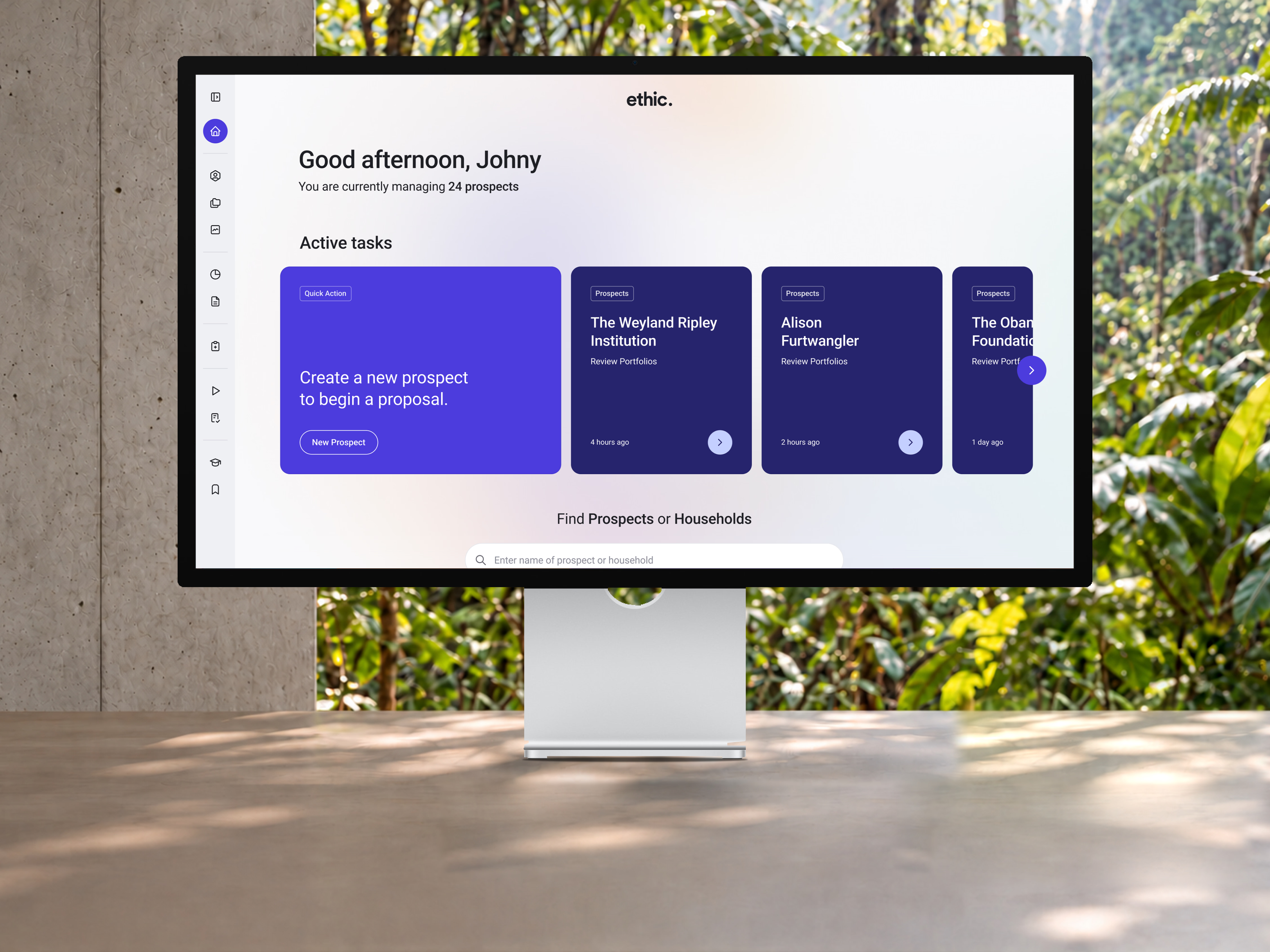
Each mode has its own finished image. We author the evening light into the scene, keeping the camera, display and desk in the same positions. That gives us room to make choices about where the warmth comes from, what falls into shadow and how the screen sits in the room.
We used OpenAI's image generation inside Codex to explore the room and its light, then built the composition in Figma around a photograph of the display and the original Ethic interface. Those three layers let us work freely with the atmosphere while keeping the display's 16:9 proportions and the product artwork intact.
This is part of how we explore emerging Ai tools: use them on something real, look closely at what comes back, and keep working between the image, the design file and the code. A generated scene can open up a direction quickly. The original interface, with its typography and soft gradient, still needs to come from the design itself.
Both versions use the same composition geometry. That becomes important when they dissolve into one another: the monitor should stay on the desk, the edges should hold, and the room should still feel like the same place. The change we want you to notice is the light.
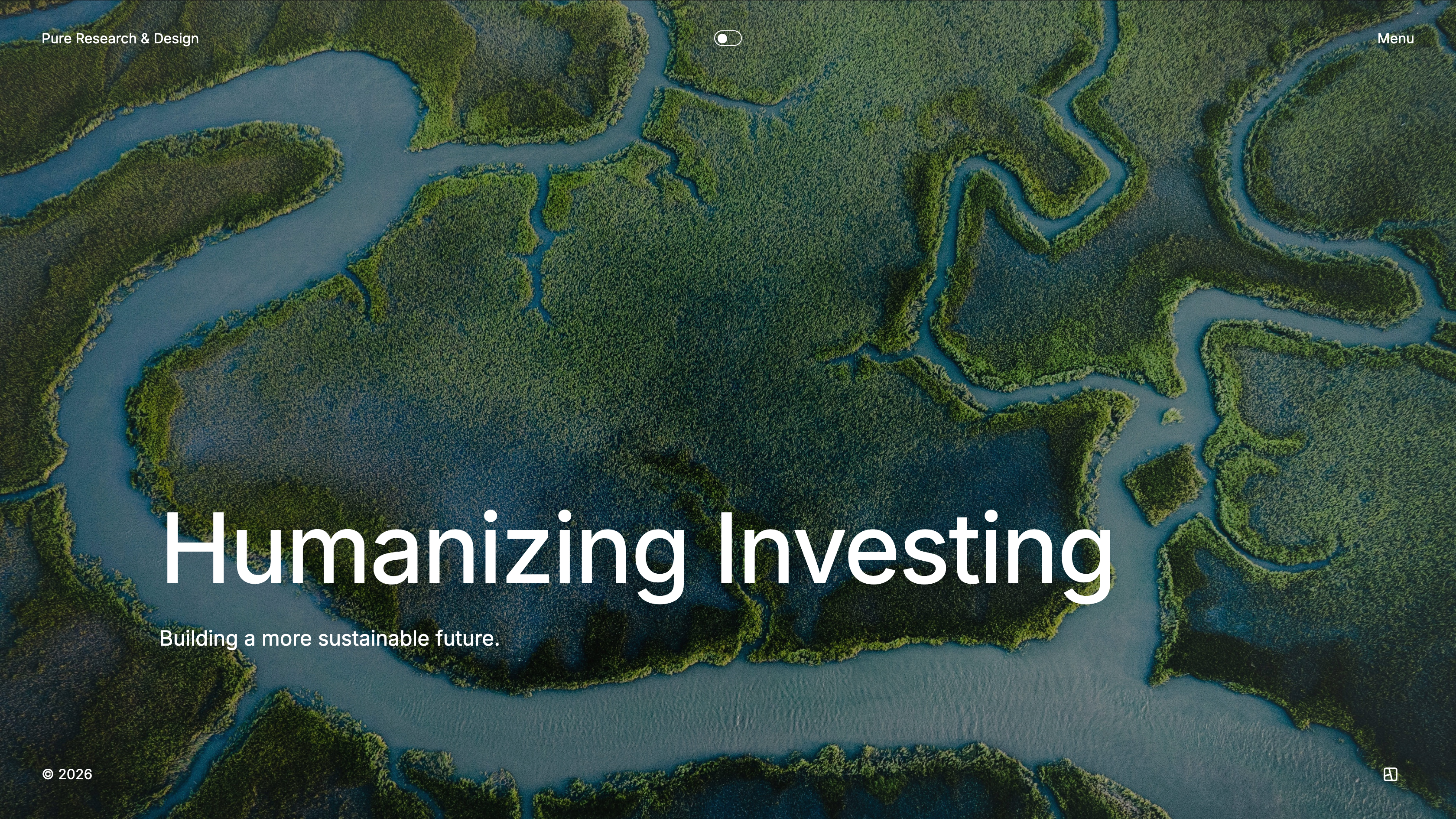
We took the same idea into the mangrove header. An Ai-generated evening study helped us find the cooler shadows and light on the water. We then used that study to author the lighting of the original photograph, preserving its waterways and tree canopy. The result is a separate evening asset that stays aligned with the daylight original.
The headline still needs to be readable in both. A 30% overlay sits above the image pair for that purpose; the evening light lives in the artwork underneath. Keeping those decisions separate gives us control over the atmosphere of the photograph and the contrast of the type.
At first the image changed at much the same pace as the site colours. It felt too abrupt. We slowed it down in a few passes, eventually settling on a 1.5-second dissolve that starts after the page's background changes.
Because the two images share their composition, the eye can stay on the same details through the change. The monitor holds its position while the light around it shifts. You can try it here with the switch in the header, then move back to daylight.
In the browser, the frame has three layers too. Its background follows the site's 360-millisecond palette change. The daylight image stays underneath, fully opaque. The evening image sits above it and fades in over 1,500 milliseconds, using the same easing curve. Keeping the daylight layer in place prevents an empty frame showing through the dissolve.
We also had to check that the display felt grounded on the desk, that its proportions stayed true and that the Ethic gradient survived inside the screen. Small inconsistencies can make a composite feel assembled. Reviewing the layers separately helped us see where the image needed attention.
An early version had a keyboard that stayed soft even in a large export. The generated room was 1,448 × 1,086 pixels; exporting the composite at 4,512 × 3,384 could not add detail to that source. We simplified the scene to the desk, display and background. It was a useful reminder to judge the layers at their actual display size.
Our target is native detail at twice the largest rendered size, allowing for the crop. The mangrove photograph gives us 2,992 × 3,740 pixels to work with; the workspace still carries the limits of its generated room. Keeping those dimensions in the source records helps us distinguish a large export from native image detail.
The transition also needs to behave well when nobody is looking closely. A deliberate theme switch starts the dissolve. Opening a page with a saved preference goes straight to the right version, and reduced-motion settings skip the animation. The image should fit the way someone uses the site.
We load and decode the evening asset before revealing it. If it cannot load, the daylight image stays in place. These are small pieces of code, but they protect the experience when a connection is slow or an image is missing. The care needs to hold beyond the ideal preview.
The loading and transition logic lives in a shared hook. Each image record declares its light source and an optional dark source, and the shared renderer handles the pair. Heroes, galleries and thumbnails use the same behaviour, so a detail developed for Ethic becomes something we can work with across the site.
image: {
  src: "/media/ethic/workspace/light.avif",
  alt: "Ethic's advisor dashboard on a desktop monitor…",
  width: 4512,
  height: 3384,
  dark: {
    src: "/media/ethic/workspace/dark.avif",
    width: 4512,
    height: 3384,
  },
}The export process is scripted too. Python handles the compositing, with Sharp and Pillow encoding the finished pairs as high-quality AVIF. Saved sources and parameters let us rebuild an image when something changes. Today the browser loads those prepared files directly. Generating smaller versions on demand could be a later step, once we can preserve the detail and alignment at every size.
That leaves room for details that belong only to dark mode. A lamp could be lit, a screen could cast light onto a desk, or something new could appear in the scene after dark. We're building a consistent way to move between those versions, with room to give each image its own character.
Ai makes it easier to create. Taste, judgment and care still take practice. Why design matters more than ever.
Coming soon
Ethic needed to feel alive, like nature. Utility, core and custom gave it a shared foundation with room to grow.
Coming soon
The evidence, uncertainty and moments of control that help people decide when to trust, correct or stop an Ai agent.
Coming soon
© 2026